 Software Development
 Security Services
 Cloud Services
 AI Services
 Other Services















 TechMagic Academy


AI introduction
When AI features are added to an existing product, they can’t just appear silently in the background. Users need a moment of orientation – a quick, clear introduction that explains why the AI is there, what it can do, and how to try it. This is where banners, modals, and other soft prompts come in.
These prompts also serve as mini value props. They often highlight how the AI can speed things up, unlock new capabilities, or remove a pain point – whether it’s summarizing a long message thread, auto-filling a form, or generating a first draft of something repetitive.
Importantly, the best AI intros are skippable. Users who aren’t ready can dismiss them and keep working the old way. But even that small exposure to the AI’s presence starts building familiarity.
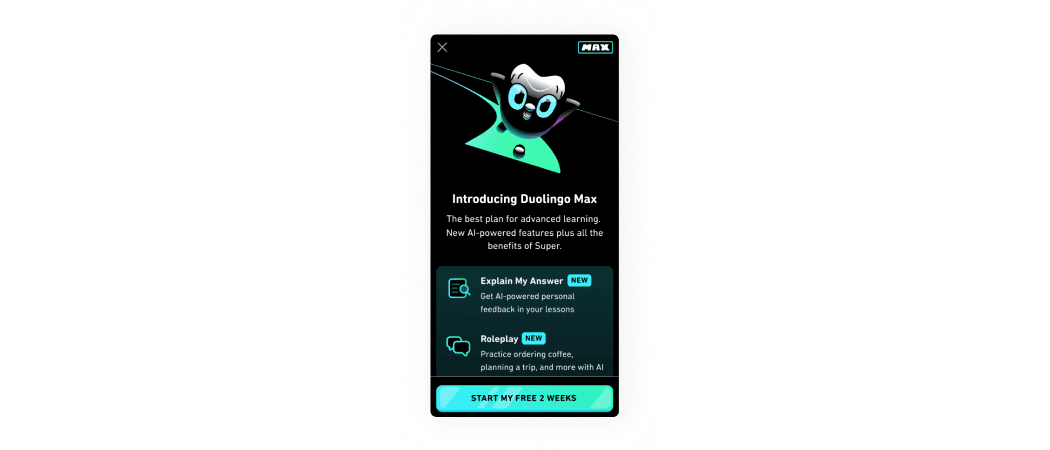
Duolingo shows the user a full screen modal window with all AI features details.
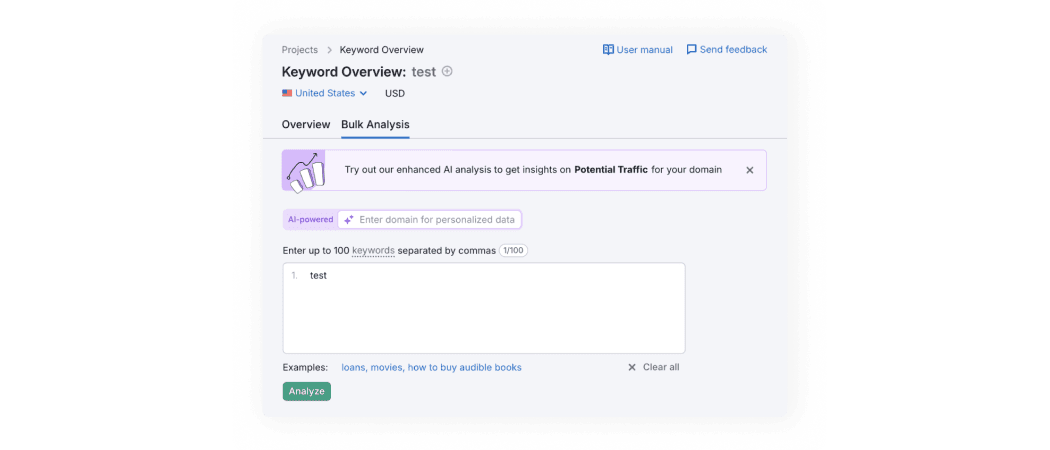
Semrush shows the user a banner with AI feature recommendations. Additionally, it displays “AI-powered” label near relevant field.
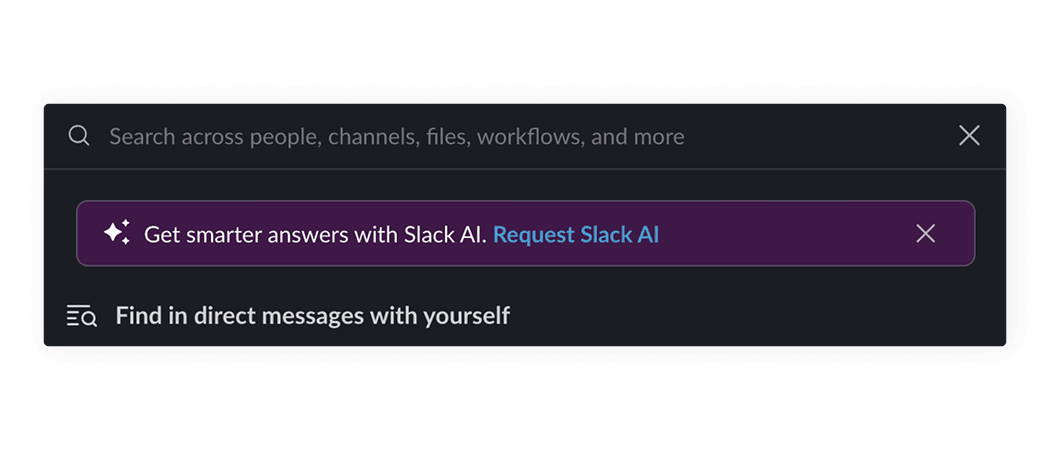
Slack shows the user a banner with AI feature recommendations.
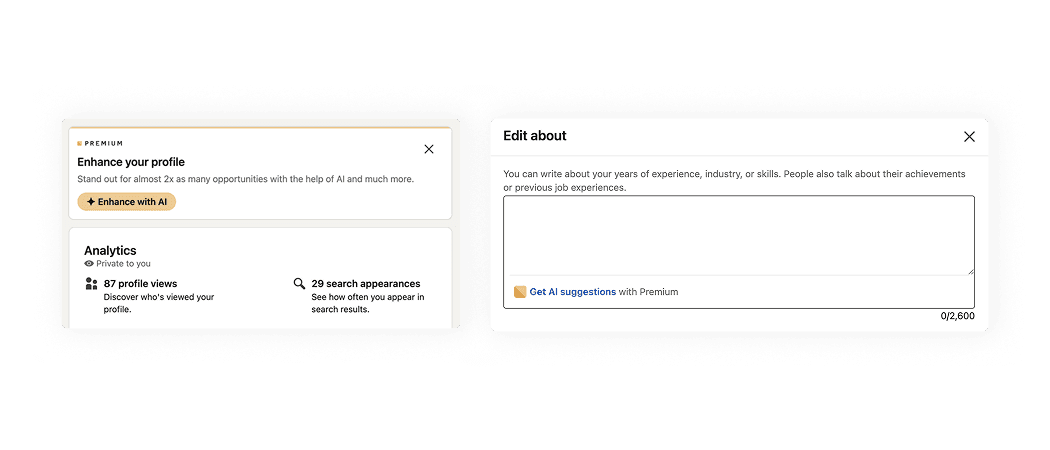
LinkedIn shows the user a banner with AI feature recommendations. Additionally, it displays AI-related buttons across relevant sections.
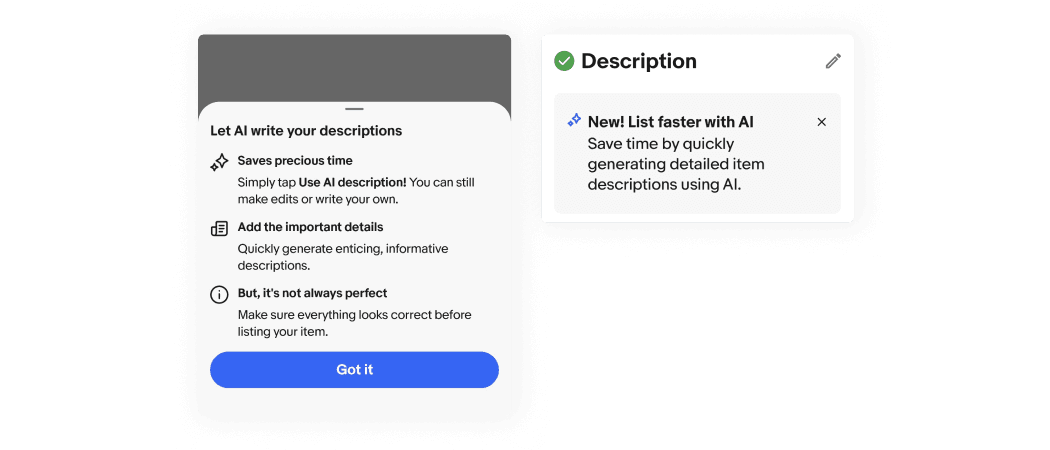
eBay shows the user a modal window with all AI features details. Additionally, it displays banners with AI-related details across relevant sections.
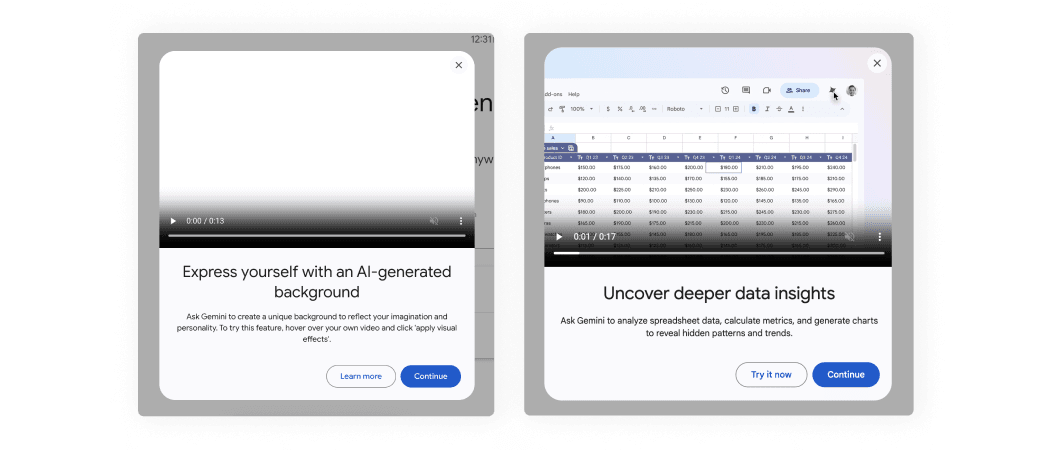
Google Meet shows the user a modal window with video and AI feature details.
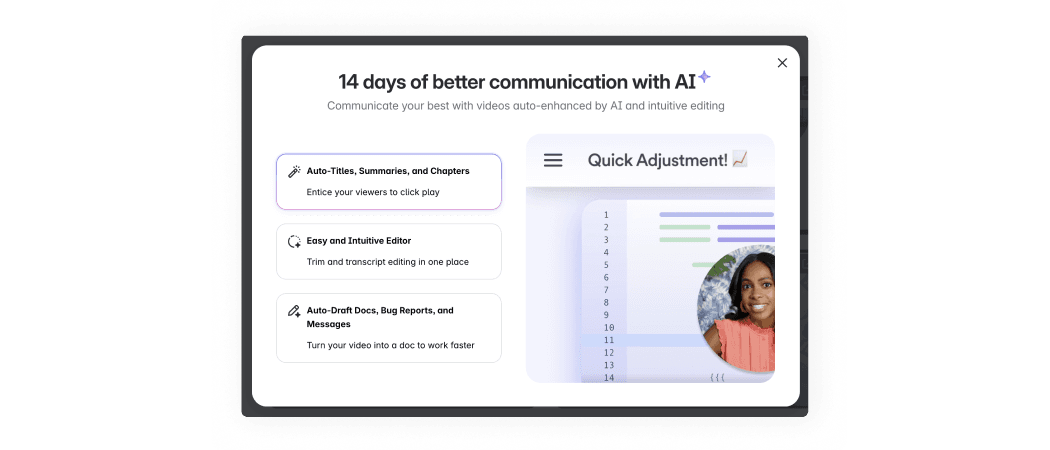
Loom shows the user a modal window with video and AI feature details.
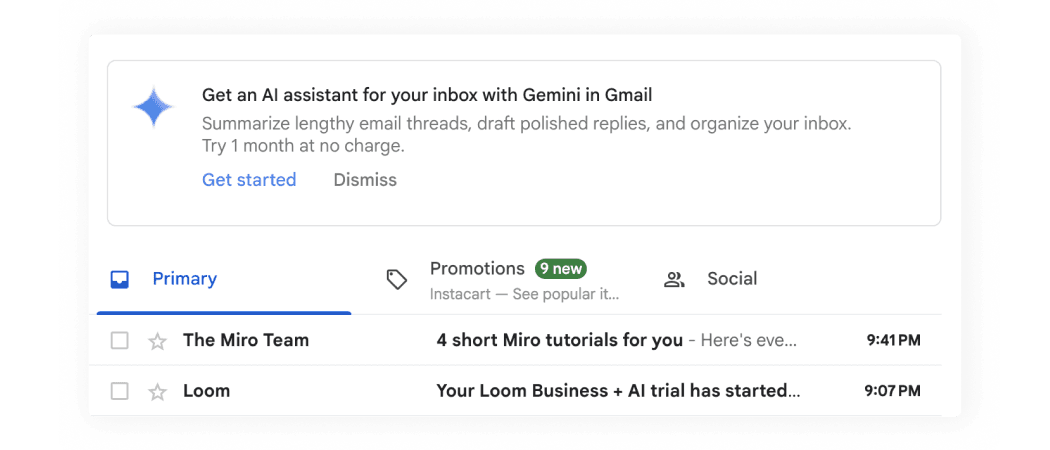
Gmail shows the user a banner with AI feature benefits.
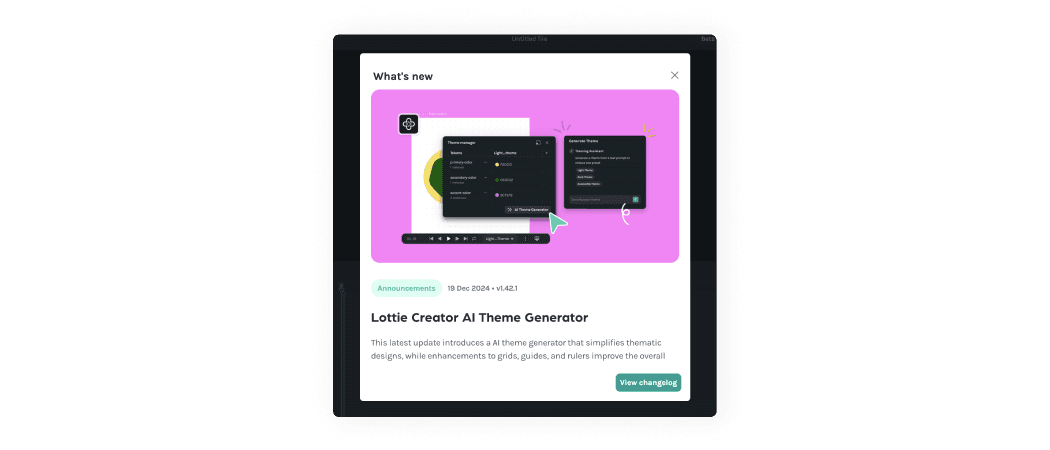
LottieFiles shows the user a modal window with new AI feature details.
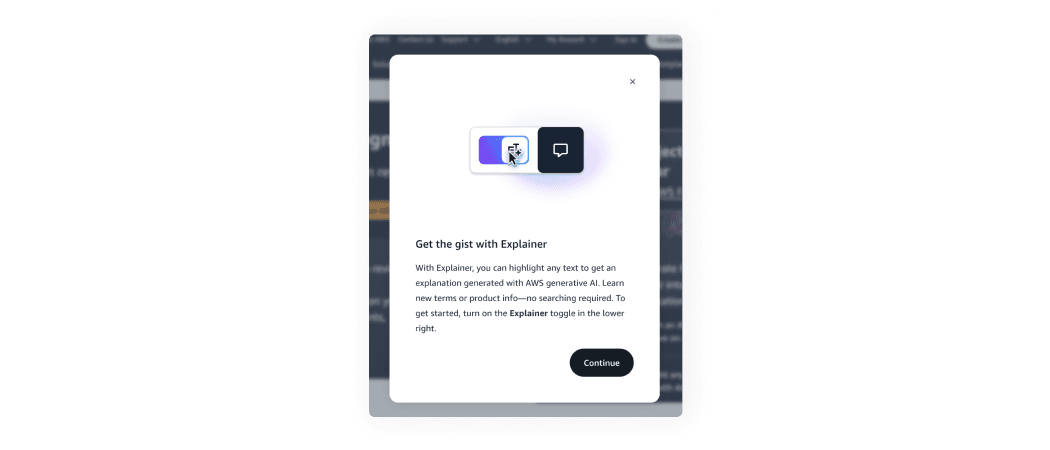
AWS shows the user a modal window with new AI feature details.
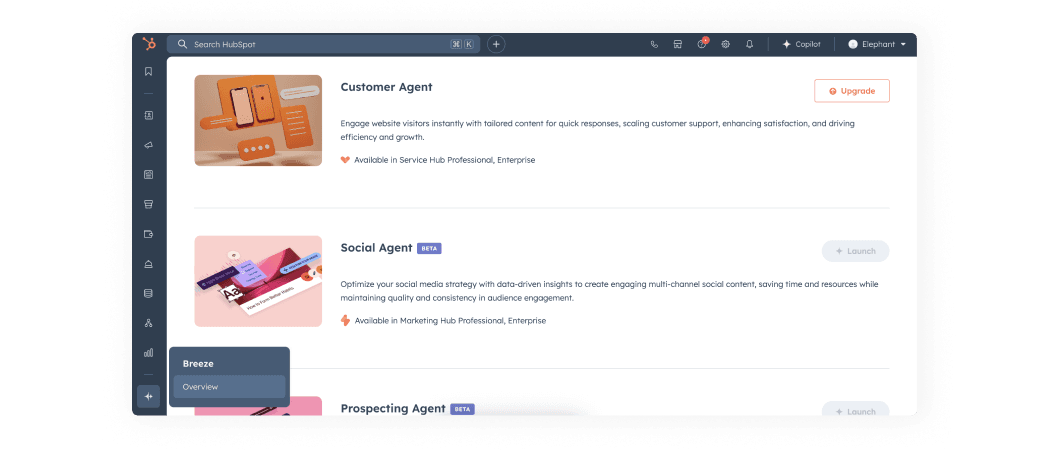
HubSpot provides users with a dedicated AI features page, where they can review all the tools, understand their value, and try them out.
AI patterns checklist
PDF, 220 MB