 Software Development
 Security Services
 Cloud Services
 AI Services
 Other Services















 TechMagic Academy


Beginning step
In AI-integrated flows, the first step matters. This is where users decide how they want to approach a task: stick with the familiar manual path or tap into AI for a head start. Giving this option up front is intentional – and it sets the tone for the rest of the experience.
Starting point gives users control:
- Clear fork in the road provides users with two choices at the beginning – “Start from scratch” or “Let AI help”. Not every user wants automation. Some prefer full control, and others are curious about what AI can offer. By presenting both options, the system honors both preferences.
- Positioning AI as a helpful path (not the only one) makes users more likely to explore it, because it feels optional, safe, and reversible.
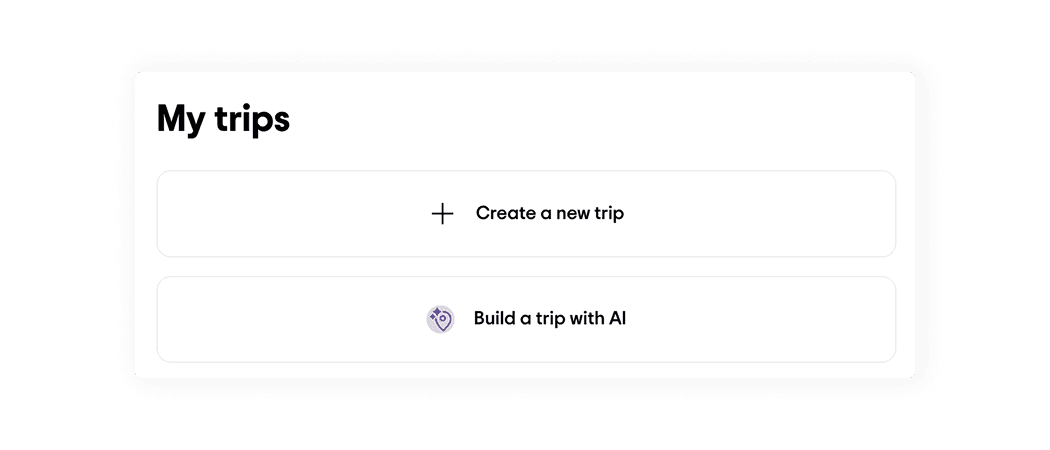
Tripadvisor provides users with the ability to create trips manually or with AI. The AI button has a spark icon.
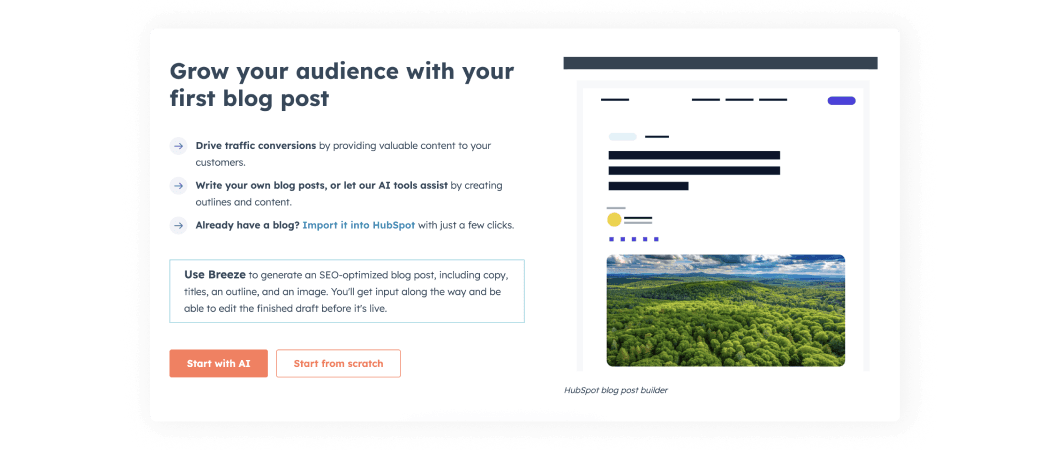
HubSpot provides users with the ability to create blog post manually or with AI. The AI button is primary, and additional text highlights the benefits of using the AI flow.
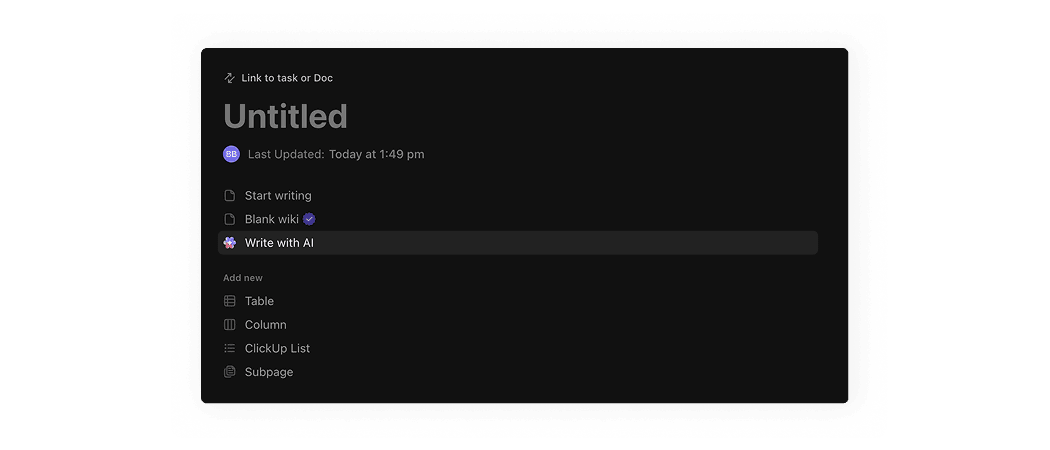
ClickUp provides users with the ability to create document manually or with AI. The AI button has a ClickUp AI visual.
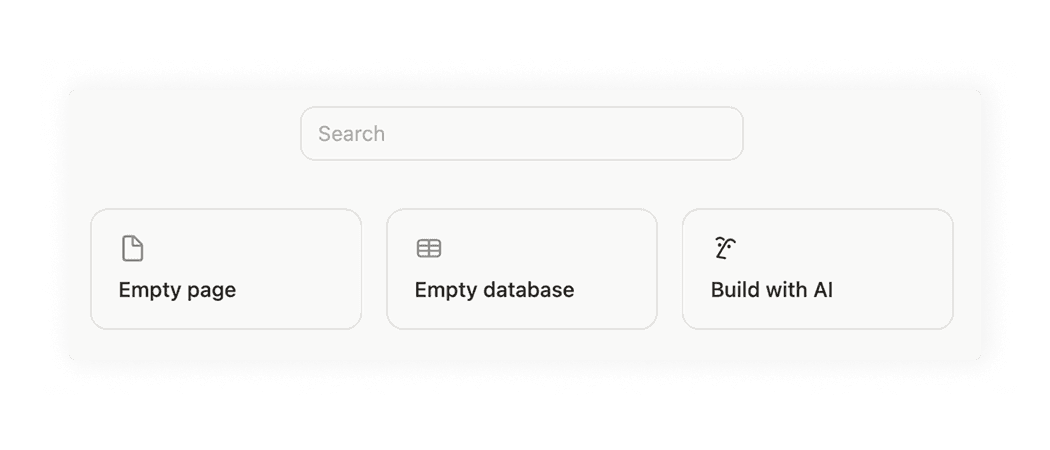
Notion provides users with the ability to create page manually or with AI. The AI button has a Notion AI visual.
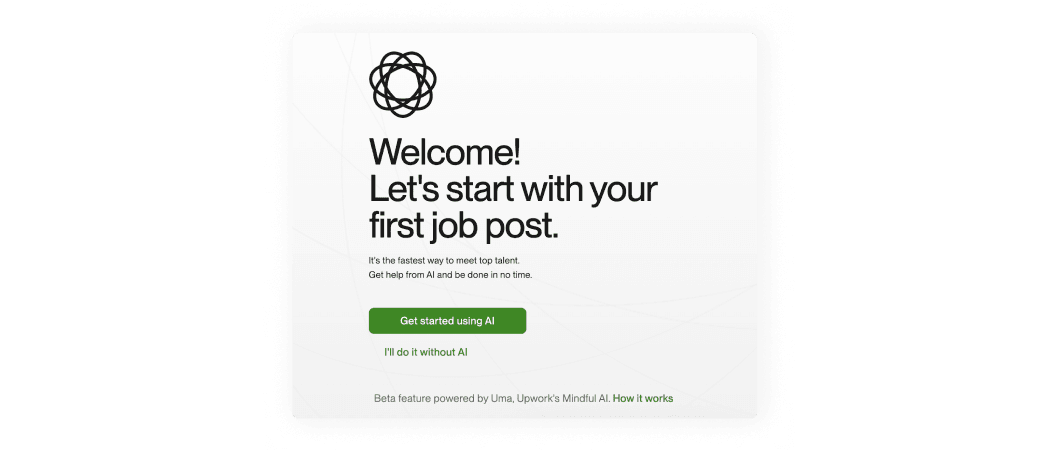
Upwork provides users with the ability to create jobs manually or with AI. The AI button is primary, and additional text highlights the benefits of using the AI flow.
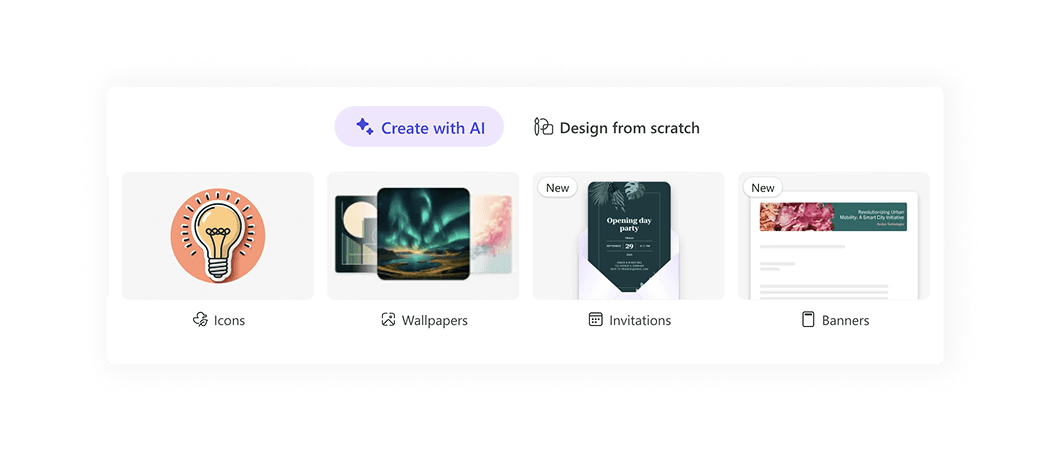
Microsoft Designer provides users with the ability to create visuals manually or with AI. The AI tab is selected by default and narked with a spark icon.
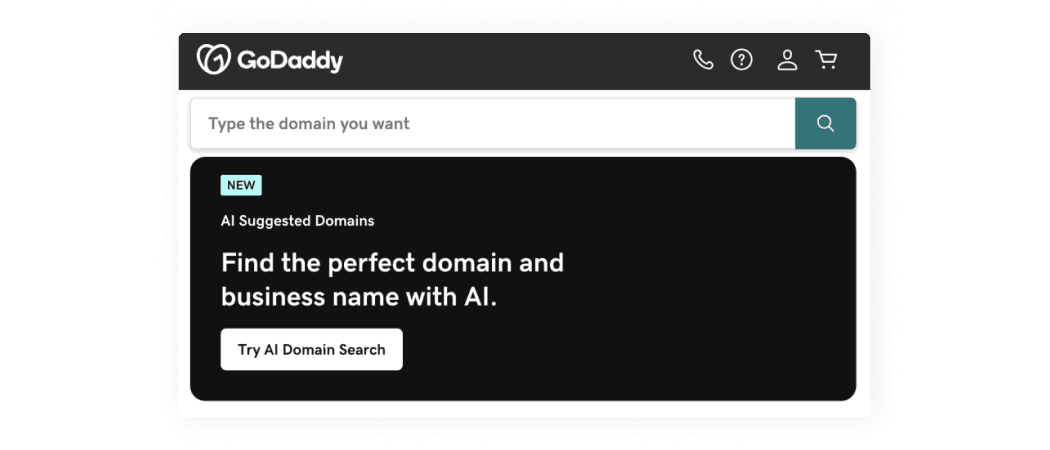
GoDaddy provides users with the ability to use "Basic Search" or "AI Search."
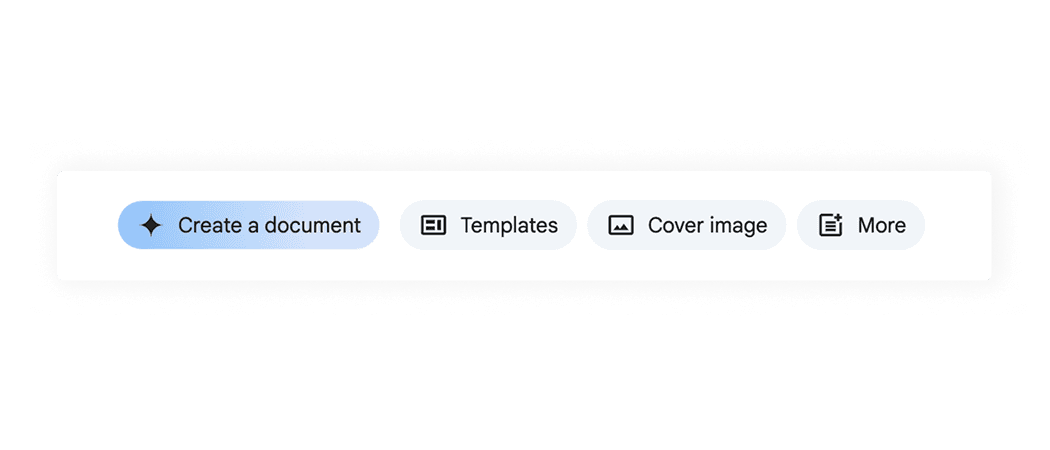
Google Docs provides users with the ability to create document manually or with AI. The AI button has a spark icon.
AI patterns checklist
PDF, 220 MB