 Software Development
 Security Services
 Cloud Services
 AI Services
 Other Services















 TechMagic Academy


Chat bubbles
User bubbles:
- User messages are styled like you’d see in Messenger, iMessage, WhatsApp, etc. This instantly feels intuitive – no need to learn a new interaction model.
- Using a bubble helps visually separate your input from the system’s response. You always know what you typed, and where the conversation turned from there.
AI responses:
- AI replies aren’t in bubbles, they often have wider spacing, embedded elements, and more open format. This reinforces that the AI isn’t just another person – it’s a tool, generating structured content.
- As responses grow (multi-paragraph explanations, images, tables, code blocks), bubbles would supports readability and makes scanning and finding “conversation anchors” way easier.
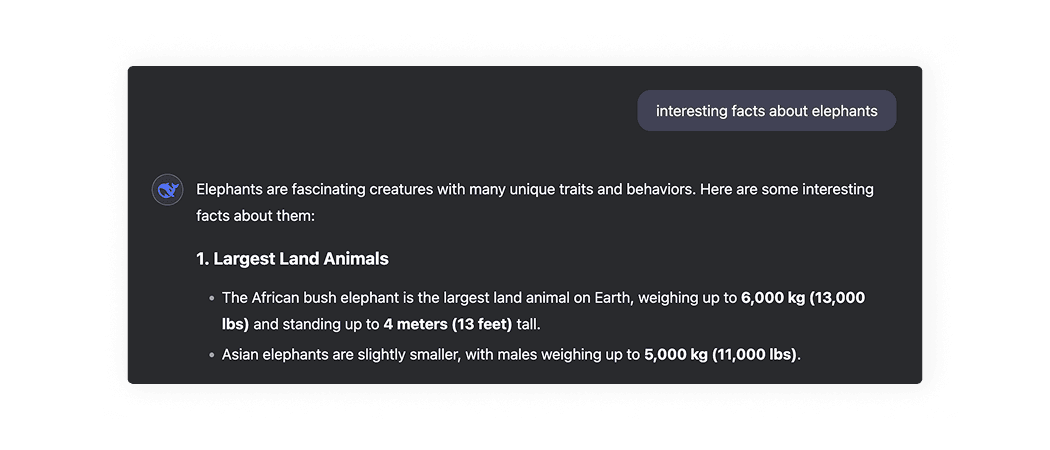
DeepSeek displays the user's message in a bubble, while the AI's response is “flat” and nested into the page with DeepSeek logo.
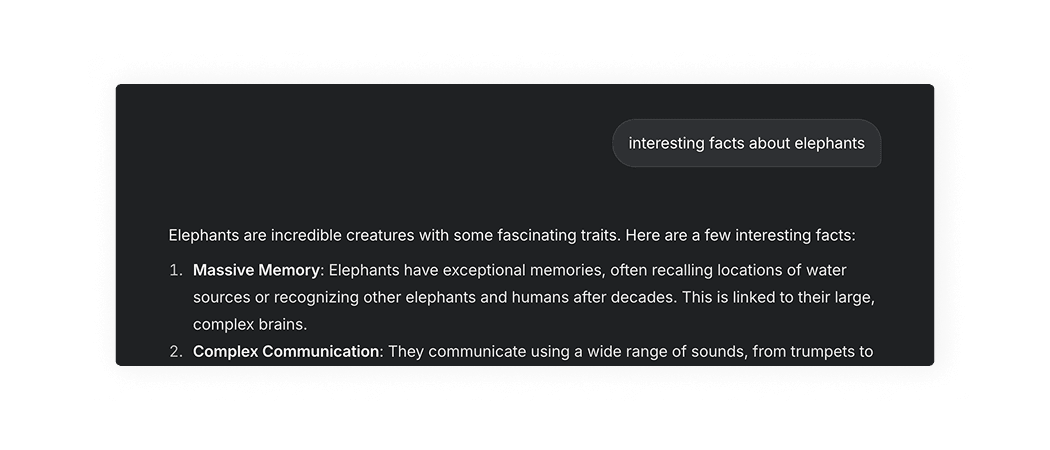
Grok displays the user's message in a bubble, while the AI's response is “flat” and nested into the page.
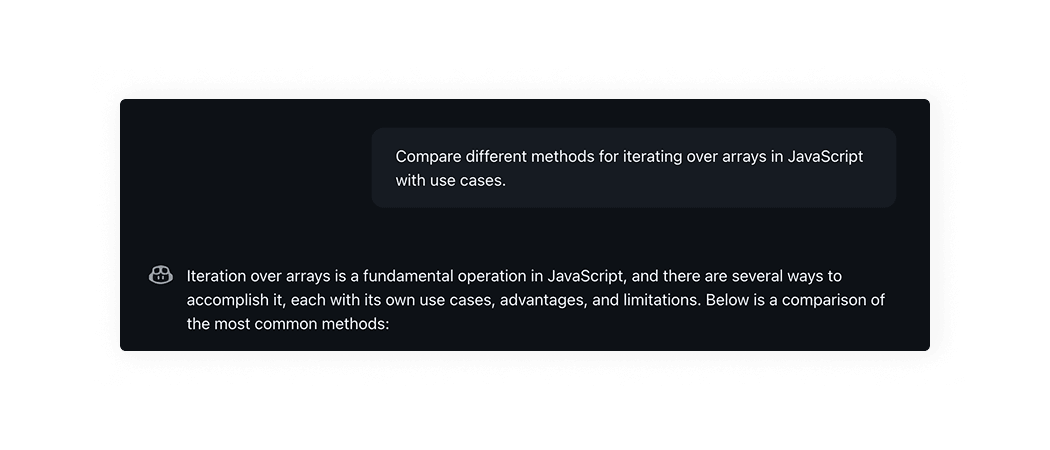
GitHub Copilot displays the user's message in a bubble, while the AI's response is “flat” and nested into the page with GitHub Copilot logo.
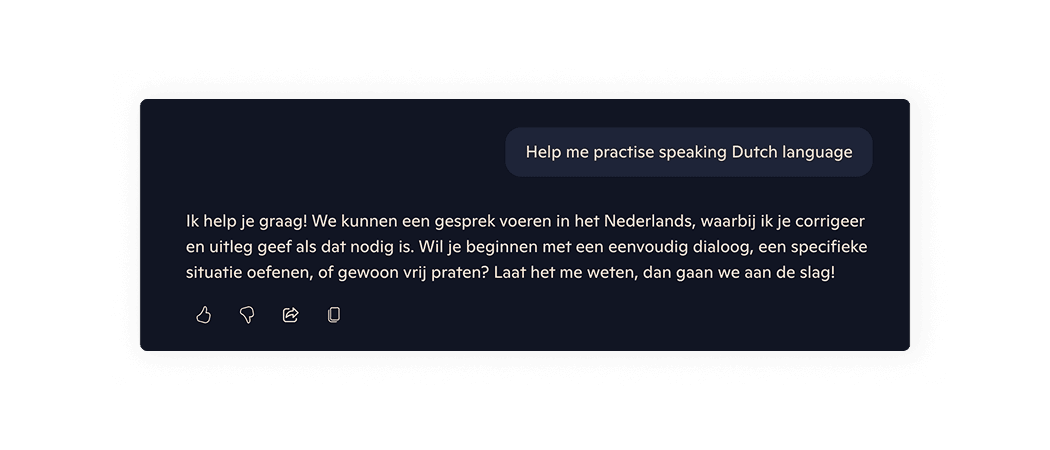
Microsoft Copilot displays the user's message in a bubble, while the AI's response is “flat” and nested into the page.
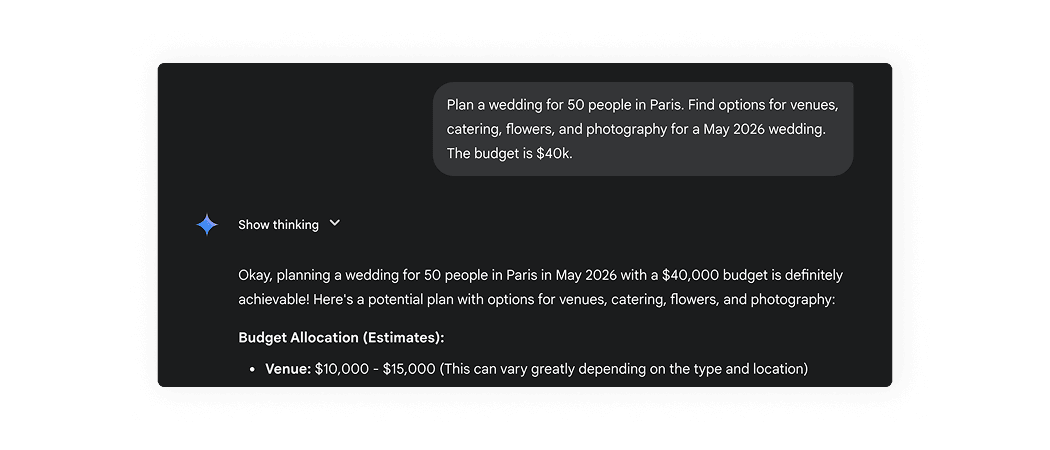
Gemini displays the user's message in a bubble, while the AI's response is “flat” and nested into the page with AI symbol.
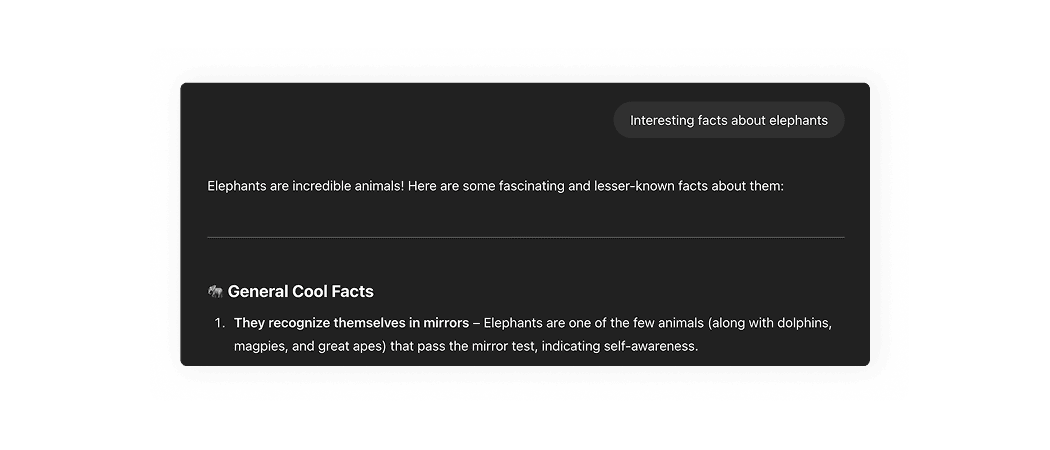
ChatGPT displays the user's message in a bubble, while the AI's response is “flat” and nested into the page.
AI patterns checklist
PDF, 220 MB