
 Software Development
 Security Services
 Cloud Services
 AI Services
 Other Services















 TechMagic Academy


Top 3 Examples of UX in Healthcare Apps From Worldwide Companies
Last updated:1 June 2026


What might be simply irritating in an average app's UI/UX design can be detrimental in health and well-being apps. No, it’s not just about a pretty picture; UX design in healthcare apps should be a top concern for application developers.
So if you’re a startup, we’ve gathered some examples of the best UX for healthcare apps to guide and inspire you.
And kudos for picking such a promising niche. The global mHealth apps market was worth about $37.5 billion in 2024 and is projected to reach $86.37 billion by 2030 (Grand View Research), and there are now more than 337,000 digital health apps available (IQVIA, 2024). It is hard to stand out, but great UX/UI design can make more users fall in love with your product.
Now, back to the examples we’ve picked.
They are three different apps with millions of subscribers and thousands of positive reviews. And believe us, they have a lot to say about the best UX in healthcare applications.
Key takeaways
- In healthcare apps, UX directly affects health outcomes, so it deserves the same priority as features and security.
- Peter Morville's seven UX principles (usefulness, usability, findability, credibility, desirability, accessibility, value) are a practical lens for evaluating any health app.
- MyTherapy, Welltory, and BetterMe show strong UX through clear navigation, trustworthy content, and accessible, calming design.
- Design for healthcare apps in 2026 leans on AI personalization, accessibility-first design, calm visuals, voice interactions, and passwordless sign-in.
Examples of the Top UX in Healthcare Applications
Let’s make sure we’re on the same page: UI is the look, and UX is the feel of the application. In this piece, we’ll specifically focus on what makes the “feel” of these apps so appealing.
We analyzed each app against the seven principles of UX developed by Peter Morville, a pioneer of UX. They are:
- Usefulness. Is the app useful? Does it have a purpose?
- Usability. Can users reach their goals with minimal effort?
- Findability. Do the structure and logic of the app help users find what they need quickly and easily?
- Credibility. Can users trust and believe what the app is saying?
- Desirability. Does the identity make the app desirable to the users?
- Accessibility. Is the app accessible to people with disabilities?
- Value. Does the app bring value to users?
Keeping these principles in mind, let's look at three examples of UX in healthcare apps. They reflect the design trends shaping healthcare apps in 2026: AI-driven personalization, accessibility-first design, calm and uncluttered visuals, conversational and voice interactions, and passwordless or biometric sign-in.
MyTherapy
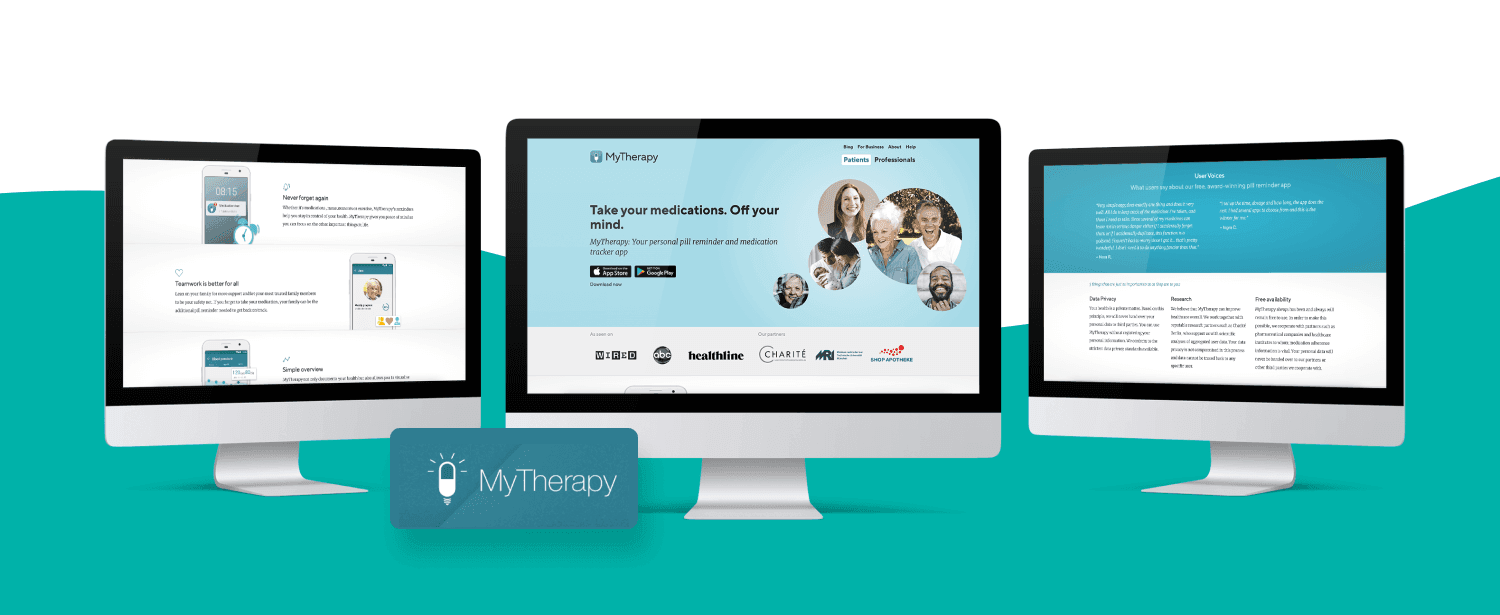
Thi app is a pill reminder and medication tracker with a vast audience: more than 10 million users and a 4.8-star average on the App Store. An app that became so prominent needs great UI/UX design, so let's take a closer look.
MyTherapy welcomes you with the tagline “Don’t forget to take your pills.” When you log in, the big button in the center offers to add the first reminder. The gear wheel in the upper right corner allows filling your profile with additional information. Four tabs at the bottom show reminders, allow tracking your progress, adding symptoms, pills, activities, and more. Plus, the app shows medications in pharmacies near you.
Now, let’s look at MyTherapy’s UX.
- Usefulness: It reminds you to take your pills, helps find them nearby and connect with people who have the same prescriptions.
- Usability: The clean user interface improves the UX: everything is clear and to the point.
- Findability: It has pretty good navigation: the primary purpose is centered, and all additional functions are easy to find in the bottom tabs.
- Credibility: The app doesn’t ask for too much personal information or require you to log in to use it. It also allows you to turn on data encryption for an additional protection layer.
- Desirability: The app was designed to be used several times a day by people with different health issues. The color palette is calming; the UI is simple.
- Accessibility: MyTherapy is compatible with Apple VoiceOver and Android TalkBack and was one of the first apps compatible with Siri Shortcuts.
- Value: The app is excellent at solving the problem of medication tracking for occasional users or people with chronic illnesses.
Strengths:
- Clean, focused medication-tracking flow that stays clear and to the point.
- No-login use plus optional data encryption, which builds trust quickly.
- Strong accessibility (Apple VoiceOver, Android TalkBack, Siri Shortcuts).
Limitations:
- The experience is deliberately simple, which can feel limited for power users who want richer tracking.
- Some users report that recent interface updates feel less intuitive than before.
Ratings/reviews: 4.8/5 on the App Store; more than 10 million users.
Verdict: The app does a great job. The experience is simple, perhaps even too simple for a Gen Z user, but older people will definitely appreciate it.
Welltory
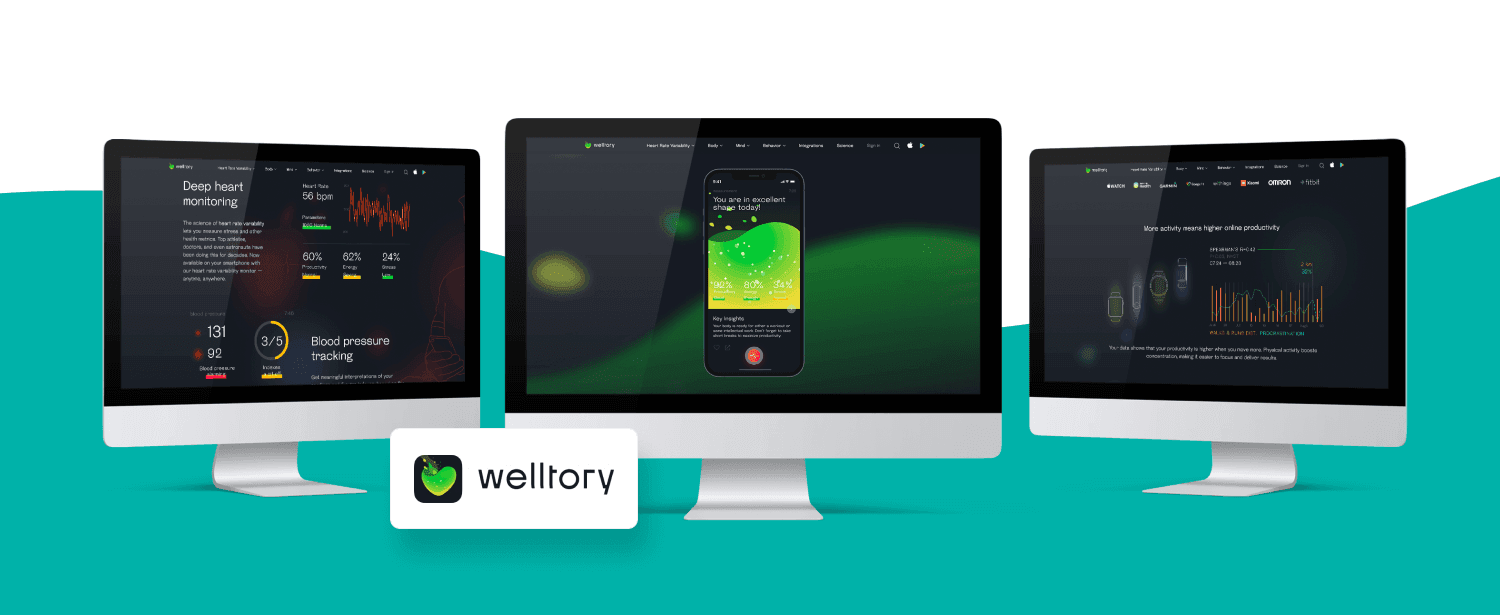
The next example of healthcare apps with great UX is Welltory.
Cardiovascular diseases are the leading cause of death worldwide, and most are preventable. Welltory focuses on managing heart-related data and activities, and it has grown into an all-in-one health app with 16 million-plus users and was named Product Hunt's #1 health and fitness app of 2025.
After installation, the app lets you connect a smartwatch or fitness tracker, though you can still use it without one. It then shows quick tips that read more like messages from a friend, and the tips change every time you log in.
The UI/UX is sophisticated, with cartoon-styled details and pleasant, slow animation. After a short form, the app lets you measure your blood pressure and heart rate, then gives tips on how to improve them.
Now, let's look at Welltory's UX.
- Usefulness: It provides useful tips on avoiding the leading cause of death worldwide, so it is genuinely useful.
- Usability: The structure is clear, and the bright colors and elements don't distract the user.
- Findability: A nice navigation system, with the primary purpose centered and additional buttons ("My data" and "What's going on?") in the upper right corner.
- Credibility: Each tip is based on official or science-backed recommendations (WHO, US Department of Health and Human Services guidelines, physical-activity studies).
- Desirability: A dynamic design, and its popularity shows people enjoy using it daily.
- Accessibility: Its personalized move plan considers the user's gender, weight, height, age, and chronic illnesses or disabilities.
- Value: It supports people in taking care of their health, which is the most valuable thing.
Strengths:
- Friendly, science-backed tips that feel personal rather than clinical.
- Engaging, dynamic design with personalized plans based on the user's health profile.
- Clear navigation that keeps the primary action front and center.
Limitations:
- Full value depends on connecting a wearable or fitness tracker.
- Some users report syncing glitches and find the annual pricing and limited human support frustrating.
Ratings/reviews: 16M+ users; named Product Hunt's #1 health and fitness app of 2025 (confirm current App Store star rating before publish).
Verdict: A bright, modern, well-designed app with straightforward navigation and a pleasant journey: you always know where you are and where to go next.
BetterMe Mental Health
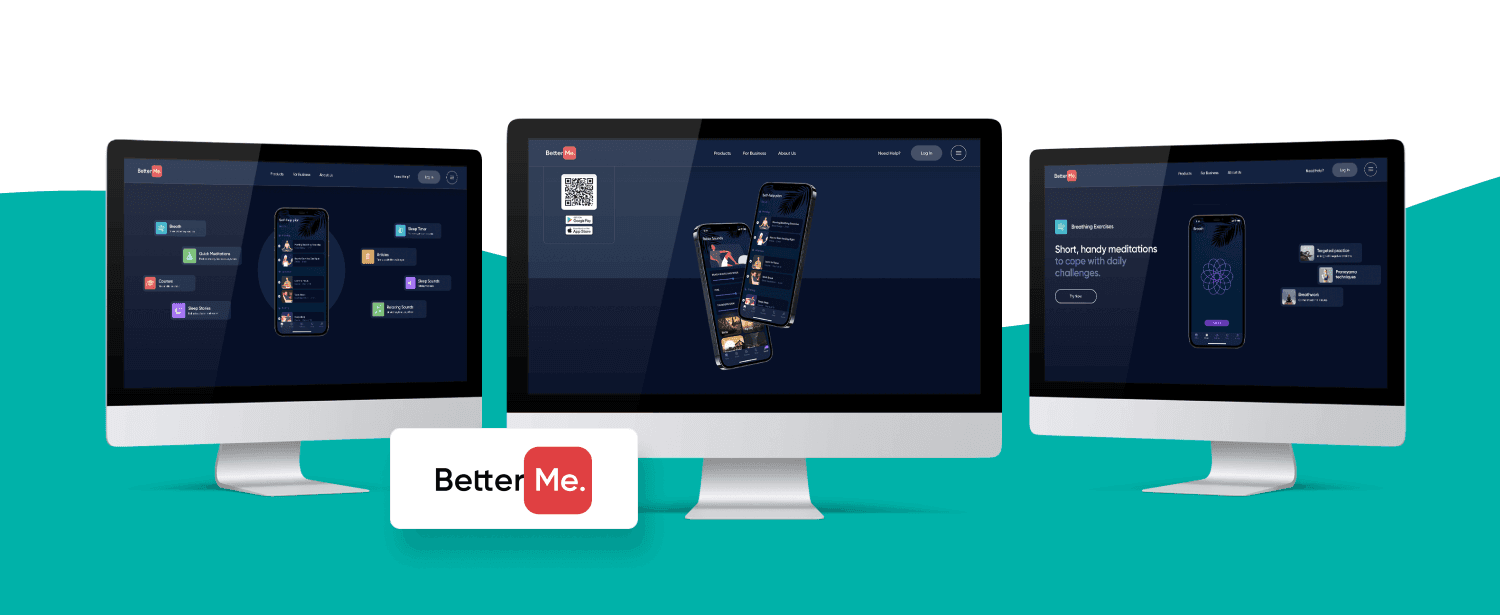
Another example on our list is BetterMe Mental Health.
Mental health apps have become some of the most-downloaded wellness tools, and BetterMe Mental Health is one of the most popular, with 5.3 million-plus downloads on Android alone. The app is designed to make you stop and relax.
You can log in without registration and choose one or several goals: improve sleep, reduce stress, cope with anxiety, overcome depression, and even express creativity. After a short quiz, the app creates a personal meditation plan, and you can talk to a professional mental coach through the built-in messenger. Several tabs at the bottom let you choose activities, and each tab contains several courses, even in the free version.
Now, let's look at BetterMe Mental Health's UX.
- Usefulness: It helps you take care of your mental health and offers useful tools to do it.
- Usability: Very user-friendly; even first-time users intuitively know what to do next.
- Findability: Easy to find what you need thanks to straightforward navigation.
- Credibility: Plenty of relaxation and mindfulness tips for beginners and pros, plus the option to chat with a live mental coach, which adds trust.
- Desirability: A charming design, with soothing colors and background tunes that make it pleasant to use.
- Accessibility: Compatible with Apple VoiceOver and Android TalkBack, and it prompts the user to inhale and exhale using vibration during guided and sleep meditations.
- Value: Excellent for short daily meditations and longer courses on coping with stress, anxiety, and trauma.
Strengths:
- Intuitive and beginner-friendly; first-time users know what to do next.
- Calming design and audio, with a free tier that still offers real content.
- Accessible, with VoiceOver and TalkBack support and breathing cues delivered through vibration.
Limitations:
- Subscription-driven, with paywall prompts that some users find aggressive.
- Depth varies across courses, so power users may outgrow parts of it.
Ratings/reviews: 4.7/5 on the App Store and 4.5/5 on Google Play across 500,000+ reviews; 5.3M+ Android downloads.
Verdict: The overall impression is delightful: intuitive navigation, simple but cute animation, relaxing tunes, and calming voices.
Our Experience
At TechMagic, we’ve designed intuitive apps for various industries: HR Tech, MarTech, FinTech, and HealthTech, so we know a thing or two about how to provide UX/UI design services. And our process is just as straightforward as our apps:
- Research: We analyze your competitors, personas, and goals.
- Plan: We devise user stories and scenarios and create the user flow.
- Explore: We brainstorm to create wireframes and a clickable prototype.
- Create: We prepare UI guidelines and elements.
- Finalize: We build all screens and finalize the layout.
- Delight: We create transitions and micro-interactions.
- Analyze: We set KPIs, run A/B testing, and gather feedback.
As you can see, designing a seamless and user-friendly UX is our jam.
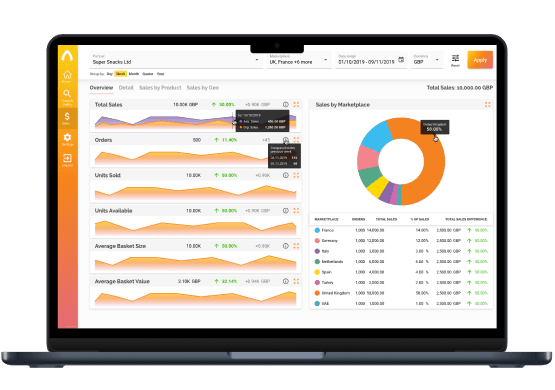
an E-commerce analytics app using JS and Serverless on AWS
Conclusion
The apps we’ve analyzed wouldn’t have been so popular without a great UX. So investing in a carefully considered user experience in the healthcare app is always a good idea with the right custom healthcare software development company. Speaking of ideas, if you have one, we’d be glad to help you implement it. Just fill in our contact form, and we’ll get back to you ASAP.
Who knows, maybe you’ll develop the next “Healthcare Twitter” and sell it to the next Elon Musk for 44+ billion? We can’t wait to find out!
FAQ

In healthcare apps, poor UX is not just annoying, it can affect a person's health, for example by causing a missed medication reminder or a misread result. Good UX makes the app clear, trustworthy, and accessible, which directly supports better health outcomes and stronger user retention.
A practical way is to assess it against Peter Morville's seven UX principles: usefulness, usability, findability, credibility, desirability, accessibility, and value. Looking at each principle in turn shows where an app earns user trust and where the experience breaks down.
The main trends are AI-driven personalization, accessibility-first design, calm and uncluttered visuals, conversational and voice interactions, and passwordless or biometric sign-in. Together they make healthcare apps easier to trust and use day to day.