
 Software Development
 Security Services
 Cloud Services
 AI Services
 Other Services















 TechMagic Academy


How to Reduce Your AWS Bill: 7 Proven Ways
Last updated:18 March 2026


Cloud flexibility is one of AWS’s biggest advantages, but it also makes costs harder to control. Without clear visibility into AWS spending, it’s easy for a monthly AWS bill to grow faster than expected. That risk is not theoretical either: Flexera’s 2025 State of the Cloud report found that 84% of organizations say managing cloud spend is their top cloud challenge.
This is a common issue. Many companies don’t overspend because of scale, but because of inefficient usage, idle resources, and missed optimization opportunities. If you don’t actively reduce AWS costs, small inefficiencies quickly turn into significant expenses. This is also why the AWS framework treats cost optimization as a core part of building a healthy cloud environment.
In this guide, we’ll walk through practical, proven ways to reduce AWS bill and improve cost efficiency without sacrificing performance. The focus is not just on cutting costs, but on making better architectural and operational decisions that help you optimize costs long-term.
Key Takeaways
- Regular monitoring of resource usage is the fastest way to reduce your AWS bill and avoid hidden waste.
- Unused and underutilized resources are the most common reason of unnecessary AWS spending.
- Rightsizing instances based on actual workload helps reduce AWS costs without impacting performance.
- Storage optimization with lifecycle policies and lower-cost tiers can significantly lower AWS bill over time.
- Savings Plans and spot instances are effective for predictable workloads and long-term AWS cost reduction.
- Autoscaling and serverless services help align infrastructure with real demand and improve cost efficiency.
When You Need to Think About AWS Price Reduction
You should think about AWS cost optimization before overspending becomes obvious. If your monthly AWS bill keeps rising faster than your product usage, or your forecasted costs no longer match reality, it is time to review your setup. Flexera’s 2025 State of the Cloud report found that organizations exceed cloud budgets by 17% on average and continue to waste 27% of cloud spend, which is a strong signal that cost control cannot be left for later.
A good starting point is to check your AWS account with an AWS management tool such as AWS Cost Explorer and AWS Budgets. These tools help you understand actual usage, spot unusual usage patterns, and make more informed decisions about where to cut waste. If you want to reduce your AWS bill, the key is not guessing less, but understanding how AWS pricing maps to real workload behavior.
7 Ways to Reduce AWS Costs: TechMagic Best Strategies
#1 Reduce AWS Bills by Stopping Unused AWS Tools
Unused resources are one of the fastest ways to grow a bill without noticing. Start by checking your EC2 dashboard for unattached EBS volumes, idle Elastic IPs, outdated snapshots, and inactive load balancers. These are classic examples of underutilized resources that keep generating charges even when they are no longer part of the actual workload requirements.
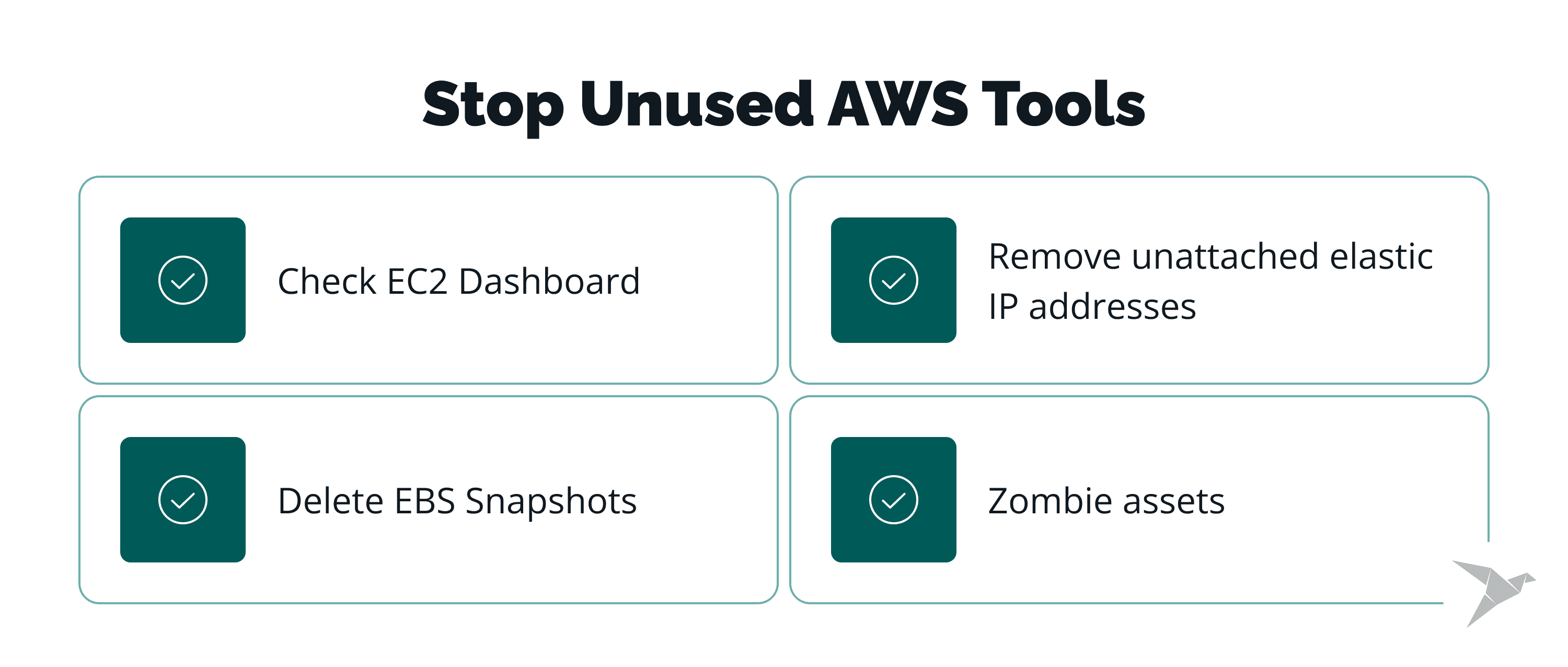 Check EC2 Dashboard
Look for unattached EBS volumes first. Deleting an EC2 instance does not always remove the associated storage, so volumes often stay behind and continue billing your AWS account. If this happens often, it is worth automating cleanup rules.
Delete EBS Snapshots
Snapshots are backups of your data. It makes sense to preserve the latest update; however, keeping every snapshot is unnecessary, so look for older versions and remove them. Review retention rules regularly and delete orphaned snapshots or very old backup copies that are no longer needed. Since these data backups are frequently used, you might have thousands of snapshots that have been taken every 15 minutes for months or even years.
Remove unattached elastic IP addresses
Due to a peculiar pricing structure, you might end up paying for unattached elastic IP addresses a large sum of money without realizing it. Once they become unused, they add to your monthly AWS bill. Elastic IP addresses are free of charge while running. However, once you terminate the process, this service becomes billable. They are quite challenging to discover in AWS Management System, but some services and specialists can help you.
Zombie assets
Inactive load balancers, forgotten NAT gateways, old test databases, and stopped but still billed resources are all common zombie assets. Identifying them early helps you reduce AWS cost without affecting production.
#2 Optimize AWS Costs by Selecting an Appropriate Storage Class
Storage is often overlooked because it grows gradually, but it can become a major part of AWS spending over time. The right class depends on access frequency, retrieval speed, and durability needs. If you want to lower AWS bill, start by matching data to the right storage tier instead of keeping everything in the most expensive class.
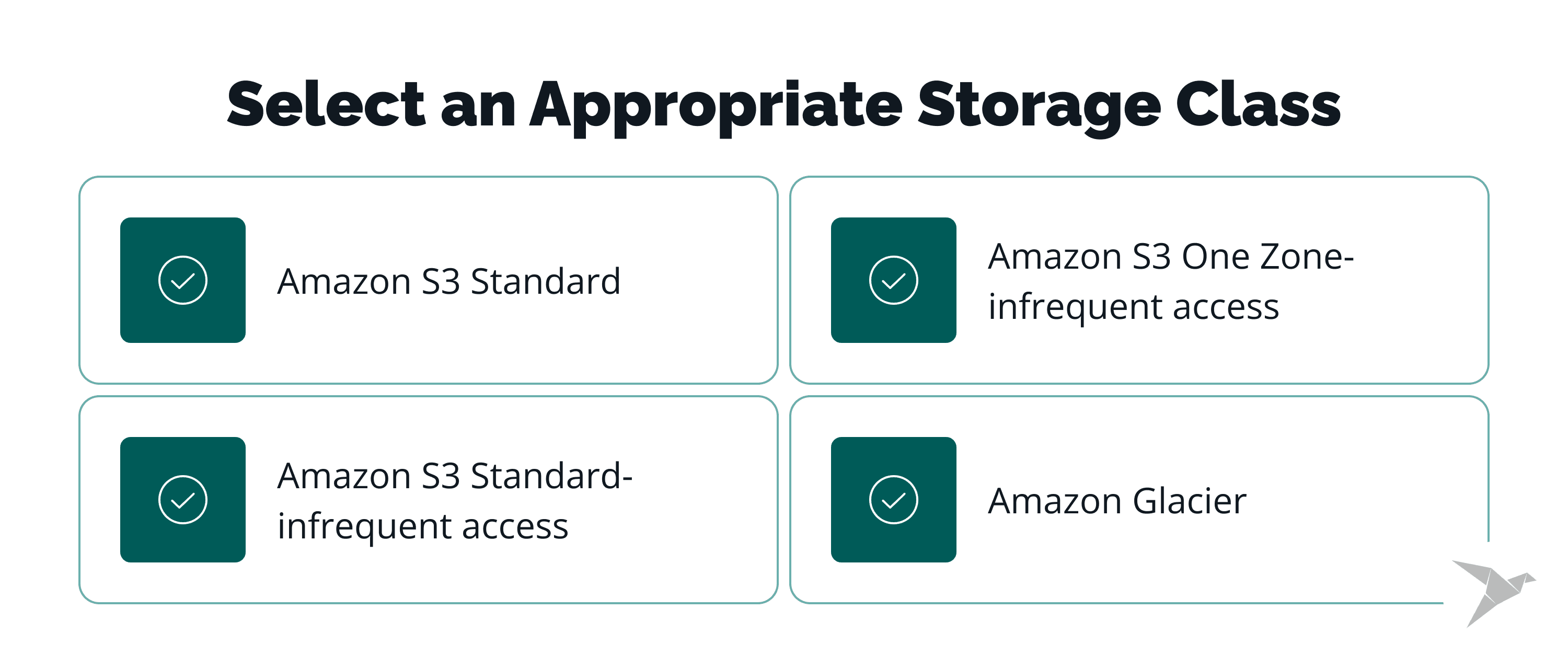 Amazon S3 Standard
Use this for frequently accessed data such as websites, active application assets, and analytics workloads. It offers high availability and performance, but it is not the cheapest option.
Amazon S3 Standard-infrequent access
This is a better fit for backups, disaster recovery, and data accessed less often. It provides a lower cost storage tier, but retrieval fees apply.
Amazon S3 One Zone-infrequent access
This option reduces cost further by storing data in a single availability zone. It works well for secondary backups or data that can be recreated if needed.
Amazon Glacier
Use Glacier tiers for long-term archives that do not need immediate access. This is one of the simplest ways to save costs, especially when paired with S3 lifecycle policies that automatically move old data into cheaper storage.
#3 Lower Your AWS Bill by Using AWS Credits
Credits are not a permanent strategy, but they can be valuable if your company qualifies. For startups, pilots, or new service adoption, credits can temporarily reduce your AWS bill and create room for experimentation.
 Credits for testing
If you are evaluating a new AWS service or running a proof of concept, AWS sometimes provides credits for short-term testing. These usually expire quickly, so use them for targeted validation rather than long-running workloads.
Credits for startups
It is highly advised for a startup company to apply for various startup accelerators, like YC, Wayra, or Alchemist. Startups in accelerator programs or backed by partner funds may qualify for substantial credits. This can be useful early on, but it should not replace a real plan for AWS cost reduction once free credits run out.
#4 How to Reduce AWS Costs by Rightsizing
Rightsizing means aligning compute capacity with actual usage. It is one of the most effective ways to reduce AWS costs. When reducing an instance, do it gradually. Move step by step, monitor performance, and compare compute usage against the real needs of the application. This helps avoid cutting too aggressively and disrupting production.
Reserved instances
Reserved Instances are useful for predictable workloads that run continuously. Standard Reserved Instances are usually cheaper and can sometimes be sold on the Marketplace, while Convertible Reserved Instances give more flexibility but less liquidity. If you commit, choose the size and family carefully, especially if the term is one year or a three year term.
#5 How to Optimize AWS Costs by Utilising Savings Plans
Savings Plans are often a better fit than Reserved Instances when you need flexibility. They are a key part of the pricing model AWS offers for customers with stable baseline consumption.
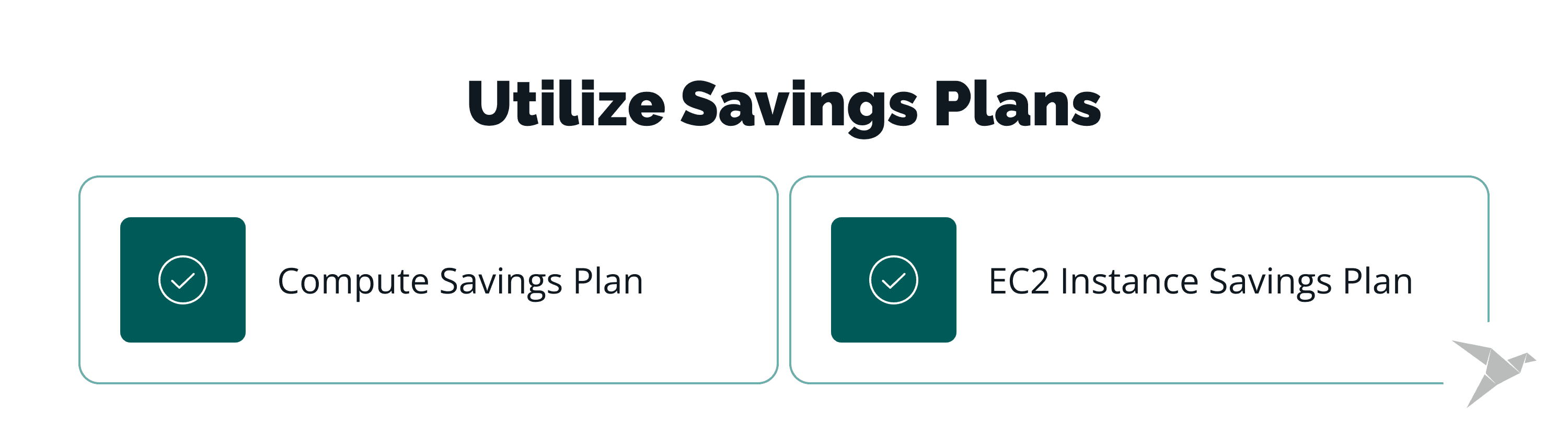
Compute Savings Plan
This is the more flexible option. It can apply across instance families, regions, and services like EC2, AWS Lambda, and AWS Fargate, which makes it easier to keep the right pricing model AWS in place as infrastructure evolves.
EC2 Instance Savings Plan
This offers a higher discount, but only if your usage stays tied to specific instance families in a particular region. It is a good option when the workload is stable and well understood.
If your workloads are steady and you can commit to a consistent amount of usage, Savings Plans can materially reduce AWS bill. If usage is uncertain, do not overcommit.
#6 Reduce the AWS Cloud Costs with AWS Marketplace
AWS Marketplace can help when you need shorter commitments or want to buy discounted third-party and AWS-related offerings. It is especially useful when others are trying to exit commitments they no longer need.
Look across more than one AWS region and even multiple regions if the offer is hard to find. Marketplace can also help you make more informed decisions when you need flexibility that standard commitment models do not provide. This is not a primary cost strategy, but in the right case it can help lower AWS bill without redesigning workloads.
#7 AWS Cost Reduction with Auto-Scaling
Auto Scaling is one of the most practical ways to match infrastructure to real demand. Instead of paying for excess capacity all the time, you scale based on usage patterns and load.
Horizontal scaling adds more instances when traffic rises, while vertical scaling increases the power of existing ones. In practice, horizontal scaling is usually more fault tolerant, while vertical scaling is simpler but more limited by specific instance types and hardware ceilings.
For cost control, Auto Scaling helps prevent over provisioning and aligns spend with actual usage. It works especially well for variable traffic, on demand services, and environments where demand changes throughout the day, including development instances that do not need to run full time.

Our Experience
Executing all these strategies by yourself might take a very long time and lead to varied results. These processes are difficult to detect, optimize, and automate, so it’s better to seek help from professionals. TechMagic specializes in software development that focuses on app development as well as AWS cost reduction strategy and Serverless cost savings.
Reducing costs with Serverless means:
- Scalability — no need to manually scale as AWS will execute auto-scaling for you;
- Cost model — at automatic termination of unused services;
- No DevOps — no need for administration, simply upload your functions.
TechMagic is a Certified AWS Consulting Partner. We’ll optimize your bills by pursuing AWS with Serverless cost reduction. Not only will you receive a significant decrease in costs, but your processes will also be automated and easily monitored and maintained. Serverless Architecture offers automated capacity planner and cost management, making the applications easier to build and monitor. Cost savings of Serverless go even further, the entire app development process will be up to 99% cheaper.
Final Thoughts and Future Predictions
AWS cost savings takes regular attention. Bills change as products grow, workloads shift, and old resources stay in place longer than they should. If you are figuring out how to reduce AWS costs, the most reliable approach is to review usage often, match infrastructure to real demand, and avoid paying for capacity you do not actually need.
In practice, that means checking actual usage, reducing over provisioning, reviewing data transfer costs, and choosing the right pricing model AWS offers for each workload. More companies are also using scheduling, autoscaling, and serverless services to keep costs closer to real demand.
In the future, AWS cost optimization will become more automated and more detailed. Better forecasting, smarter scaling, and stronger cost visibility across services will make it easier to reduce AWS bill without hurting performance.
At TechMagic, we help companies build a clear plan to reduce AWS costs, improve efficiency, and keep cloud spending under control as systems grow.
Contact us to discuss your project!

FAQ
To save your AWS bill, start by identifying unused resources, rightsizing instances, and using tools like AWS Cost Explorer to track and optimize spending.
To reduce AWS costs, focus on matching resources to actual usage, using Savings Plans or spot instances, and optimizing storage with lower-cost tiers.
A high AWS bill is usually caused by over provisioning, underutilized resources, high data transfer costs, or lack of visibility into usage patterns.